Last week you learned to make a document that earns marks. This week you get the tool that makes every subject faster — AI. But there's a rule, and it's Commandment #4: you command AI, AI never commands you. If you can't explain it, you didn't make it. Let's turn you into someone who wields this stuff like a pro — and gets a first look at the magic behind the apps you're about to build.
1First — did last week stick?
Before we add a new superpower, let's make sure the last one is locked in. Tap each card to check yourself on the doc wins from Class 2.
#4 — Thou shalt command AI, and never be commanded by it. AI is your coach and co-builder, never your ghost-writer. Recite it. Mean it.
2The map of AI — what's out there
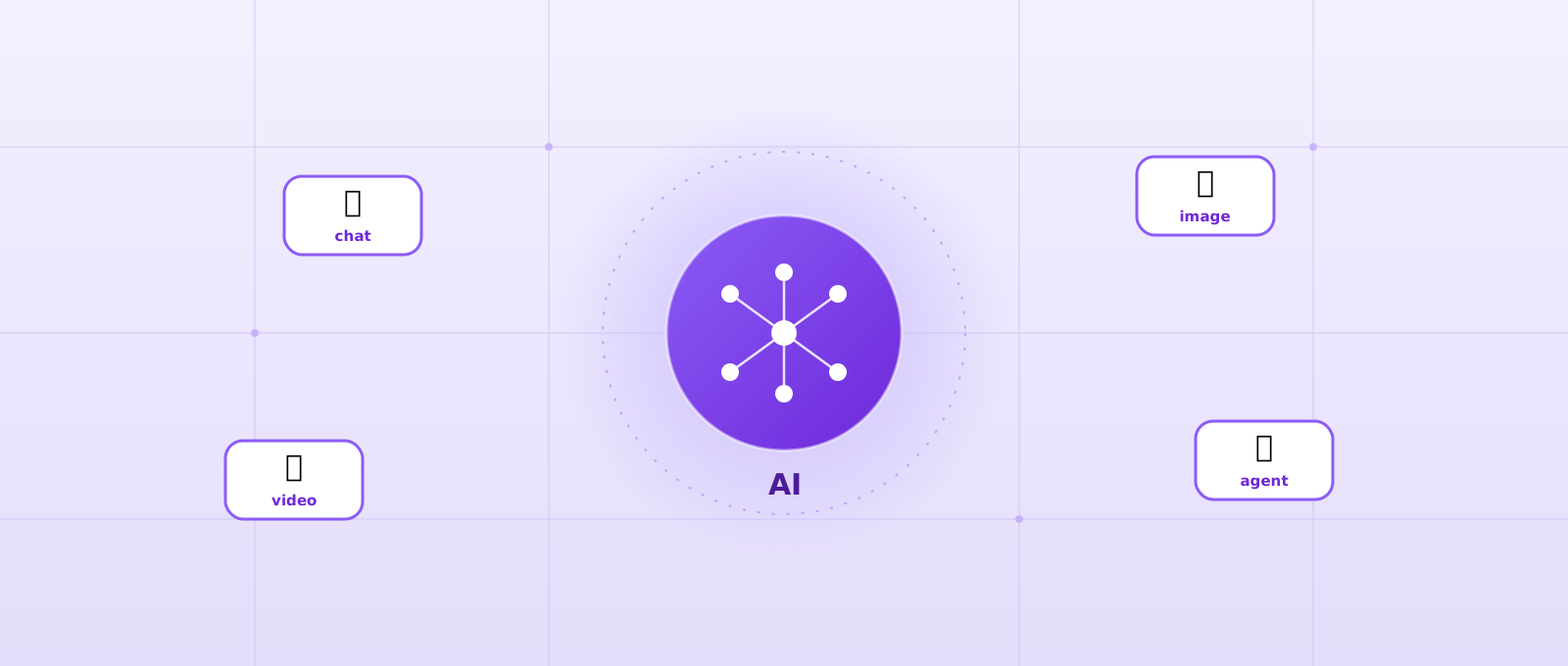
"AI" is not one thing. It's a toolbox with five big drawers. Tap each one to see what it does and a free tool that's good at it.
The all-rounder. It reads and writes text: explains, drafts, summarises, translates, plans, and codes. This is the drawer you'll open most.
Describe a picture in words and it draws it — posters, logos, diagrams, art. Great for your app poster next week.
The newest drawer. Type a scene, get a few seconds of video. Still limited on free tiers (it's expensive to run), but improving fast.
Talk to the AI and it talks back; turn a recording into notes; read your essay aloud to catch mistakes your eyes miss.
The big one. An agent doesn't just answer — it takes steps: plans, uses tools, checks its own work, and builds things. This is the magic behind your vibe-coded apps. We taste it later today.
You don't need every tool. You need the right drawer for the job — and one good free tool in each. That's your arsenal.
3The free stack — 95% of the power, $0
People pay $20+ a month for AI. You don't have to. Here's a free stack that covers almost everything a student needs. (Tools change fast — the names will shift, but the jobs won't.) Most tools are 13+; check the sign-up.
| The job | Free tool(s) worth knowing | Watch-out |
|---|---|---|
| Think / write / explain | Google Gemini (most generous), ChatGPT (free GPT-5.5), Claude (best writer) | Daily message limits on the strongest models |
| Research with sources | NotebookLM (upload your own PDFs/notes), Perplexity (answers with citations) | Still verify — see the detector section |
| Make images | Gemini (Nano Banana), Bing Image Creator | Bing adds a watermark; daily caps |
| Make short video | Google Veo | Very limited free minutes |
| Build a mini app | Google AI Studio (build & run free), a chatbot's code output + your own browser | We taste this today; full build in Weeks 6–7 |
Free tiers give you a daily allowance of the best models, then drop you to a weaker one. Plan your hardest question for when you're fresh, and don't burn your allowance on "hi." Verified students can sometimes unlock Pro for free — ask us.
4Prompt like a pro
Weak prompt in, weak answer out. A pro prompt has four ingredients — and once you see them, you can't unsee them:
Role — who the AI should be ("act as a Caribbean history tutor"). Context — what it needs to know ("I'm 15, studying for CSEC"). Task — exactly what to do ("explain the causes of the 1937 riots"). Format — how to answer ("5 bullet points, simple words").
Then the real secret: ask → refine → iterate. Your first answer is a draft. Push back: "shorter," "give an example," "you're wrong about X, check again." You're the director.
5🧪 The Prompt Lab
Pick a lazy prompt and watch it get rebuilt into a pro one — with each ingredient colour-coded.
6⚡ Prompt Sprint — 60 seconds
A prompt flashes up. Spot the one thing that would improve it most. The clock starts on your first answer.
7AI as a coach, not a cheat
Here's the difference between a student who gets smarter with AI and one who gets dependent: the smart one makes AI work them, not do the work. Three copy-ready coaching prompts — steal these:
If the AI hands you an answer and you can't explain it to a friend, you haven't learned it — you've borrowed it. Always close the loop: read it, ask "why," teach it back.
8The truth about AI detectors
Teachers use "AI detectors" that claim to spot AI writing. Here's the part nobody tells you: they are not reliable, and it cuts both ways.
Detectors run only 65–90% accurate. Turnitin admits roughly a 7% false-positive rate. Worst of all, a Stanford study found detectors wrongly flagged over 61% of essays by students who speak English as a second language. A detector score is a guess, not proof.
So what does a smart student do? Two things:
1. Don't outsource your thinking. Use AI to coach (Section 7), then write in your own voice. 2. Keep your receipts. Your Google Docs version history (remember Class 2?) records every keystroke and draft — that's your proof that you did the work, even if a broken detector cries wolf.
#5 — Thou shalt verify before thou believest. One source is a rumour. AI included. Check the machine, check the internet, check twice.
9First taste of agentic AI 🤖
Everything so far — chat, images — you ask, it answers. An agent is different. You give it a goal, and it takes steps on its own: it plans, uses tools, checks the result, and tries again until it's done. This is the magic behind the apps you're about to build.
The agent loop
Watch it go around. This same loop is running when an AI builds you an app.
Watch an agent build an app
Here's the same loop in action — an agent (this is Claude / Cowork, what your instructor uses) writing the code and the app appearing beside it. Press replay to watch again.
10A taste of building 🏗️
You don't need to be a "programmer" to make software any more. But you do need to know a few words the builders use. Here's the taste — the full hands-on comes in Weeks 6–7.
Ask a chatbot (ChatGPT, Gemini): "Write a single HTML file for a simple [thing]. Give me all the code." Copy it into a file called app.html, double-click it — and it opens in your browser and runs. That's it. You just made software. No servers, no accounts, no cost.
Here's the trick nobody explains: your own computer can act like a tiny web server — a little machine that serves up a website. When it does, that website isn't on the internet; it's on you. Its address is the word localhost (sometimes written 127.0.0.1, which just means "this computer, right here").
So localhost = your private workshop. Only you can open it. You can build, break, and fix your app a hundred times and nobody in the world sees it until you decide to put it online. It's instant (no uploading), free, and safe to experiment. Every real app — Instagram, your bank's site, this very page — started life on someone's localhost.
The simplest version: that app.html you double-clicked? That opened straight from your computer — your first taste of running software locally. Real builders take it one step further and run a mini-server so the whole project behaves exactly like it will online.
The journey of every app
An idea becomes real software along this path. Notice where localhost and GitHub sit — and that the last stretch (server + database) is a whole adventure for Weeks 6–7.
GitHub is like Google Docs' version history — but for code, and for the whole world. It stores your project (a "repo", short for repository), remembers every version so you can rewind, lets people build together without overwriting each other, and can even publish your app online. You don't need it today — just know the word. (Free, 13+.)
A double-click app.html is real software — but a full app or website has a few more parts. Here's the map (we go deep in Weeks 6–7 — for now, just meet the words):
The players that do the building-by-chatting: Google AI Studio (free, build & run), plus the vibe-coding tools Bolt.new, Lovable, Replit, v0 and Figma Make. We'll pick our home base together in Week 7. Today: explore Google AI Studio and feel the power.
#8 — Thou shalt build more than thou scrollest. Creators own the future; consumers rent it. You're becoming a creator.
11Quick quiz — what stuck?
Six fast ones. First try counts.
12⌨️ Typing Race — today's words
Sixty seconds, and every word is from today's lesson — drill the keys and revise the vocabulary at once. Eyes off the keyboard. Accuracy first; speed follows.
Do not look down. Keep your fingers on the home row (ASDF / JKL;), thumb on the space bar. It feels slower for two days, then it's permanently faster.
13🔥 The charge — this week
You have the arsenal. Now use it on real work — as a coach, and with your verify reflex on.
1. AI-refine last week's draft. Take the write-up section you drafted in Class 2 and use a coaching prompt (Section 7) to make it sharper — in your own voice. Keep your version history.
2. Verify three claims. Pick three facts in your draft and check each against a real source (not just the AI). For each one, note: the claim → the source → true, false, or needs fixing.
3. Explore Google AI Studio. Sign in, type one prompt, and see what it builds. Bring your reaction to class.
4. Keep the streak. Daily Kairu's Keys — the Week 8 benchmark wants a bigger number.
Images, video, and the 🏆 Prompt-Off tournament — plus you design the poster for your own app. Bring your best prompting; it's a contest.